 1800-103-7261
  hello@myndfin.com
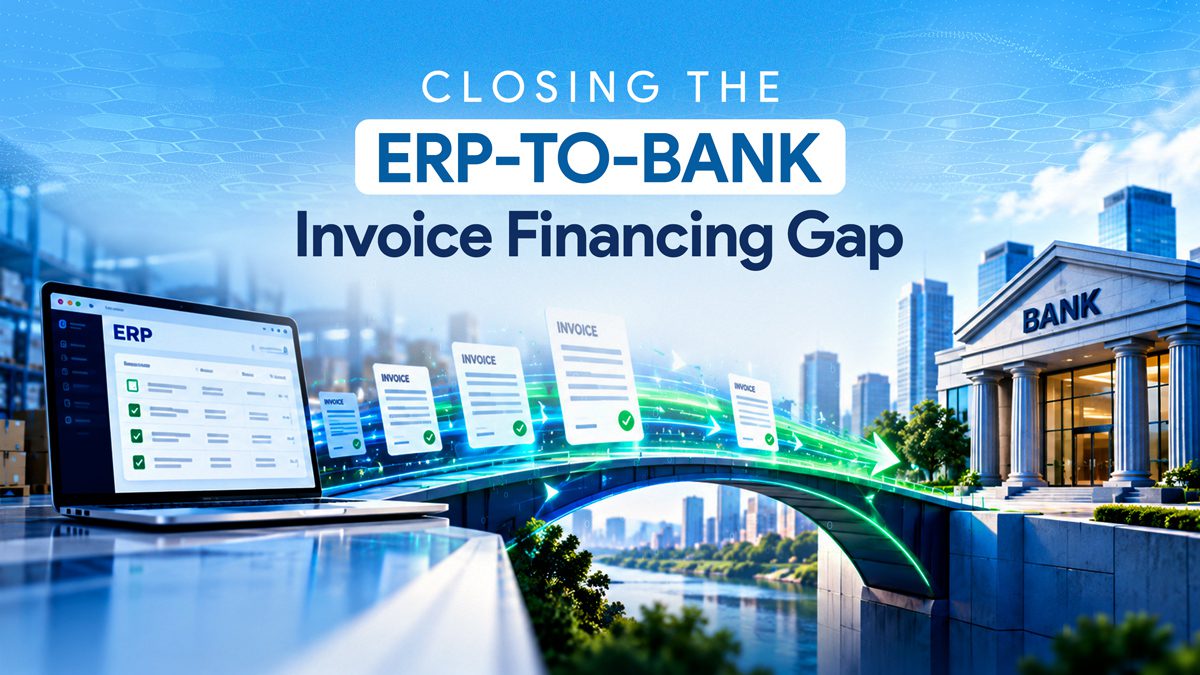
At 10:12 a.m., an invoice is approved in the buyer’s ERP. The supplier sees the status and expects payment shortly.
By the end of the day, nothing has arrived.
The invoice missed an export window. One field didn’t match the financier’s format, and the resulting exception sat in a shared mailbox until someone claimed it. Approval took minutes; funding took another day.
This is the hidden delay in many Invoice Financing programs. The commercial obligation has been approved, but its data must still move from the ERP to the financing platform, through the lender’s systems and back into the accounting records.
For the supplier, every avoidable handoff delays the working capital the approved invoice was expected to unlock.
Closing this gap requires looking past the invoice status screen and examining what happens in the data pipeline between ERP authorization and bank treasury execution.
An approved invoice is not yet a financed invoice.
Approval clears an important hurdle. The buyer has checked the invoice against its internal requirements and confirmed it for payment.
Financing still requires the invoice to be identified as eligible, transferred with the necessary data, validated, routed to a financier, and processed within the lender’s limits and operating windows.
The supplier may also need to accept an offer before funds are released.
The sequence differs depending on the Invoice Discounting structure. Whether an enterprise runs a direct multi-bank Supply Chain Finance program or executes through platforms like TReDS (where an invoice is converted into a Factoring Unit for multi-financier bidding), approval is only the starting line. Between approval and disbursement lie eligibility checks, KYC/vendor onboarding verification, statutory compliance (such as e-invoice/IRN validation), and financier bid selection.
Approval removes one uncertainty. It does not complete the financing transaction.
The journey succeeds or fails at the source.
An enterprise may use SAP, Oracle, or another ERP as its financial system of record. Yet “approved” does not always carry the same meaning across business units.
One invoice may have completed purchase-order matching and goods-receipt confirmation.
In many organizations, an invoice passes a 3-way PO-GRN match but still retains an internal payment block or a pending debit note from quality checks. Furthermore, critical transaction fields are fragmented across tables: base invoice values in Accounts Payable, bank IFSC/virtual accounts in the Vendor Master, payment terms in purchase orders, and e-way/tax data in tax ledgers. Unless an automated rule engine unifies and validates these fields at the trigger of approval, the downstream platform receives an incomplete or un-financeable payload.
The required information may also sit in different places. The invoice sits in accounts payable, bank details in the vendor master, the due date in payment terms, and a related credit note in another workflow. Unless these records are brought together accurately, the next system receives an incomplete version of the transaction.
Timing adds friction. An invoice approved just after the day’s export cut-off may wait until the next batch. A weekend or bank holiday can extend the delay even though no further business decision is required.
Before reviewing platform or lender turnaround time, enterprises should define the exact ERP event at which an invoice becomes complete, final, and available for finance.
Every manual handoff creates another queue.
Spreadsheet and file uploads can support a small Invoice Discounting Facility. They become fragile as volumes, legal entities, and funding partners grow.
A date may appear in the wrong format. A supplier code used by the enterprise may not match the bank’s identifier. A leading zero can disappear from an account field. One invoice may be uploaded twice while another is omitted.
The file often passes through several hands: accounts payable prepares it, treasury checks it, a platform user uploads it, and the financier validates it. Each handoff adds waiting time and makes responsibility less obvious when a record fails.
Multi-bank programs increase the operational variation. Financiers may require different fields, file structures, cut-off times, limit checks, and status codes. One lender may reject an entire batch because of a single error; another may process valid invoices and return only the exceptions.
Without an integration layer, the enterprise maintains several lender-specific processes and combines separate response reports to determine what was funded. The supplier may see a digital portal, while the transaction still depends on extensive manual work behind it.
The integration layer should connect both directions.
A Supply Chain Finance Platform can translate ERP data into lender-specific formats, apply program rules and create a common view across funding partners.
IFC’s digital Supply Chain Finance guidance identifies ERP integration, invoice-level payment tracking, shared visibility and rules-based controls as important platform capabilities. IFC Supply Chain Finance Knowledge Guide
The connection must work both ways. Sending invoices to a bank is only half the job. Acceptance, rejection, funding, repayment, and exception statuses must return to the systems used by finance teams.
As an enterprise integration engine, UFX by Mynd acts as the intelligent bridge between corporate ERPs (such as SAP, Oracle, or Microsoft Dynamics) and multi-bank core systems. Rather than forcing finance teams into manual file uploads or static SFTP batches, UFX automates the end-to-end payload lifecycle:
- Pre-validation & Ingestion: Pulls approved invoices directly via API/middleware connectors, validating vendor master data, tax details, and program limits before submission.
- Multi-Bank Routing: Dynamically formats and routes transactions according to individual financier schemas, cut-offs, and available credit limits.
- Bidirectional Status Sync: Ingests real-time bank responses—acceptance, funding status, UTR numbers, or specific rejection codes—and writes them directly back into the ERP.
- Automated Accounting & Clearing: Supports the back-end accounting entries required to adjust buyer liabilities and clear supplier ledgers upon funding.
By removing manual intervention without disrupting existing ERP governance, UFX transforms a fragmented multi-bank setup into a unified, straight-through financing workflow. Its role is to make the Invoice Finance journey connected and visible, not to replace the decisions made by the enterprise or financier.
Exceptions determine the real turnaround time.
Implementation teams often design the ideal straight-through journey first. Actual performance is shaped by invoices that don’t follow it.
An invoice may fail because the supplier is inactive, a limit is exhausted, a credit note reduces the eligible amount, or bank details don’t match. Identifying the problem is useful; resolving it is what restores the financing opportunity.
Each common exception needs a named owner and service level. Vendor-master issues may belong to procurement operations, invoice mismatches to accounts payable, limit issues to the financier, and connection failures to technology support.
A generic “validation failed” message creates another investigation. The user should see which field failed, what action is required, and whether the invoice will re-enter the process automatically after correction.
The same discipline is required after disbursement. Finance teams need to know the amount funded, the financier involved, and the repayment date. At maturity, one debit may cover several invoices, while credit notes, partial payments, or rejected items create differences between records.
If those statuses do not return to the ERP or a connected operational view, reconciliation becomes manual. A program that accelerates disbursement may move the delay to the end of the cycle.
Design the operating model before the interface.
The most useful implementation workshop starts with one invoice and follows it from approval to settlement.
Finance and technology teams should first agree on what “approved for financing” means and which ERP event creates that status. They should identify the minimum data required by every financier and the additional fields needed for particular programs.
They must then decide how information will move. Real-time exchange may suit high-volume or time-sensitive programs, while scheduled batches may be sufficient elsewhere. The choice should account for bank cut-offs, weekends, maintenance windows and recovery after a failed transfer.
Master-data ownership is equally important. The design should specify who maintains supplier identifiers and bank details, how changes are verified and how updates reach connected systems.
Controls must enforce automated lockouts to prevent duplicate financing across multiple banking partners or external exchanges. If a credit note is booked or an invoice is placed on dispute post-approval, the integration layer must immediately trigger a de-linking or recall event before the financier initiates disbursement.
The team should also settle five practical questions:
• Which system is authoritative for each transaction status?
• Who owns each type of rejection or exception?
• How are user access, approvals and changes secured and logged?
• How are disbursements, repayments and partial settlements reconciled?
• What fallback process applies when an ERP, platform or bank connection is unavailable?
These decisions are less visible than a new dashboard, but they determine whether faster funding holds up under real operating conditions.
Measure where the invoice waits
Average end-to-end turnaround time can hide the real constraint. An invoice funded in two minutes can offset another that waits two days in an exception queue.
Measure the intervals separately: ERP approval to platform receipt, platform validation, exception resolution, financier response, acceptance to disbursement, and repayment reconciliation.
Teams should also track straight-through-processing rates, rejected invoices, manual interventions, and recurring exceptions by cause. If one missing ERP field drives most rejections, the remedy is different from a delay caused by lender cut-offs or exhausted limits.
The objective is not merely to report that funding took 18 hours. It is to identify which of those hours were necessary and which the operating model created.
Close the gap instead of adding another portal.
Suppliers do not distinguish between an ERP delay, a platform exception, and a bank cut-off. They experience one financing program.
Closing the ERP-to-bank gap requires a consistent definition of eligibility, connected data, clear exception ownership, and transaction statuses that return to the source system.
When those elements work together, Invoice Financing becomes faster for a practical reason: the invoice spends less time waiting between systems.
Frequently Asked Questions
Why can funding be delayed after invoice approval?
The invoice may still require data transfer, validation, lender routing, limit checks, supplier acceptance, and disbursement. Manual files, record mismatches, exceptions and cut-off times can add delays.
What is the ERP-to-bank gap?
It is the operational gap between invoice approval in an enterprise ERP and processing by the financier. It includes data transfer, validation, routing, status updates, and reconciliation.
Does ERP integration guarantee faster Invoice Financing?
No. It can remove manual handoffs and improve data quality, but funding still depends on eligibility, complete information, lender approval, available limits, and operating windows.
What should a Supply Chain Finance Platform track?
It should provide invoice-level visibility across ERP approval, platform validation, lender processing, funding, exceptions, repayment, and reconciliation.
How should implementation success be measured?
Track the time between milestones, straight-through-processing rates, rejection causes, manual interventions, exception-resolution time, and reconciliation accuracy.
How does an integration engine like UFX differ from standard bank host-to-host (H2H) connections?
Standard Bank Host-to-Host (H2H) setups are point-to-point connections built for a single bank, requiring separate integrations, maintenance, and custom ERP mappings for every new lender. UFX serves as a unified enterprise exchange: it connects once to the corporate ERP and orchestrates workflows across multiple banking partners, standardizing schemas, routing rules, and reconciliation in a single interface.
